
Balance Sheet Format in Final Accounts
Download the balance sheet format in final accounts in Excel, PDF
& Word to prepare accurate financial statements with ease.
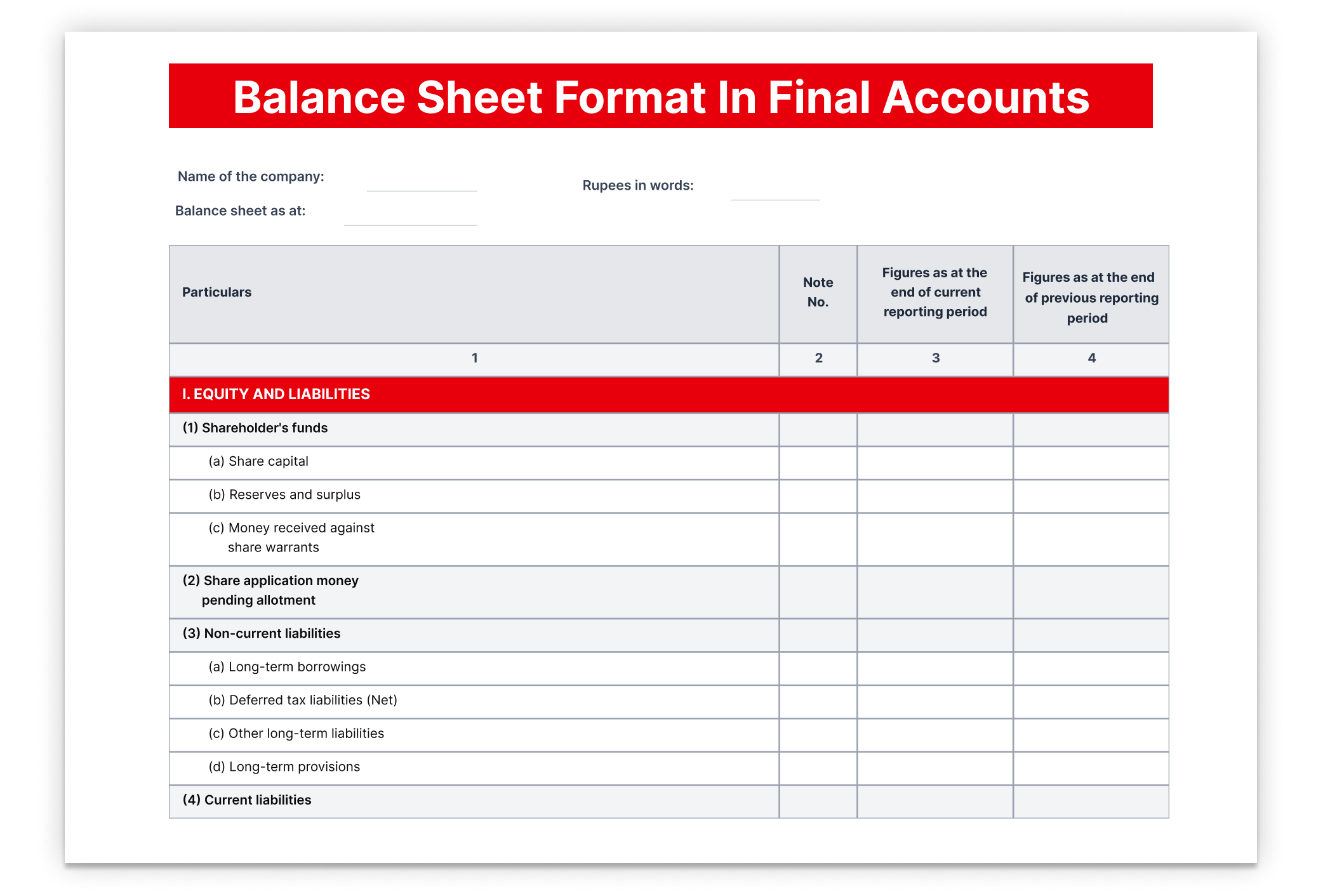
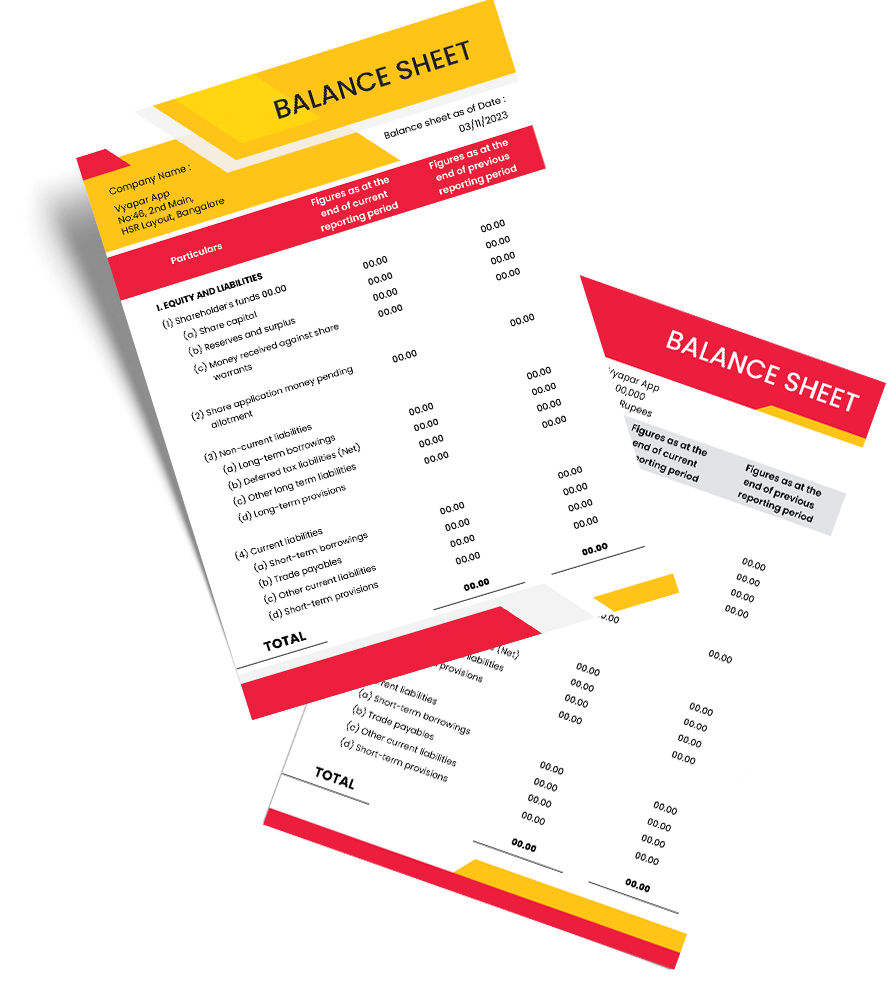
What is the Balance Sheet in Final Accounts?
The final accounts balance sheet format is a report prepared at the end of the year that shows the final financial position of the business. It tells you clearly what the business owns, what it has to pay, and how much the owner’s total investment is after adding the year’s profit.
Download Ready-to-Use Balance Sheet Format in Final Accounts
Balance Sheet Format in Final Accounts in Word
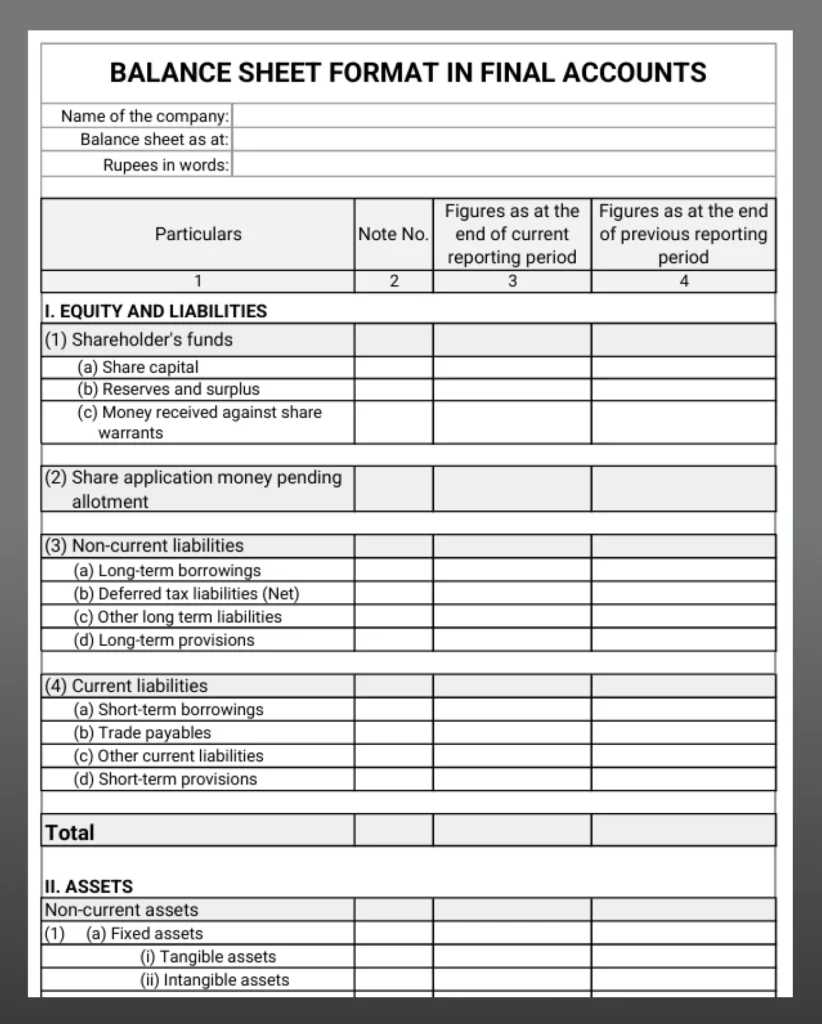
Word-1

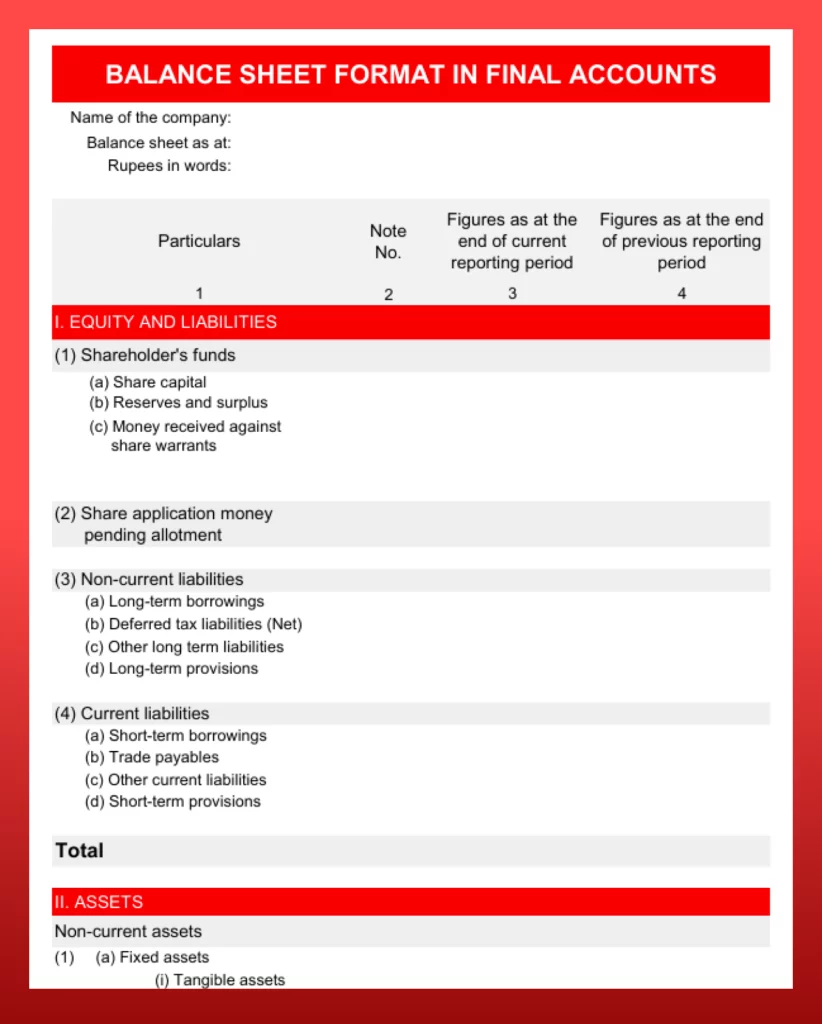
Word-2
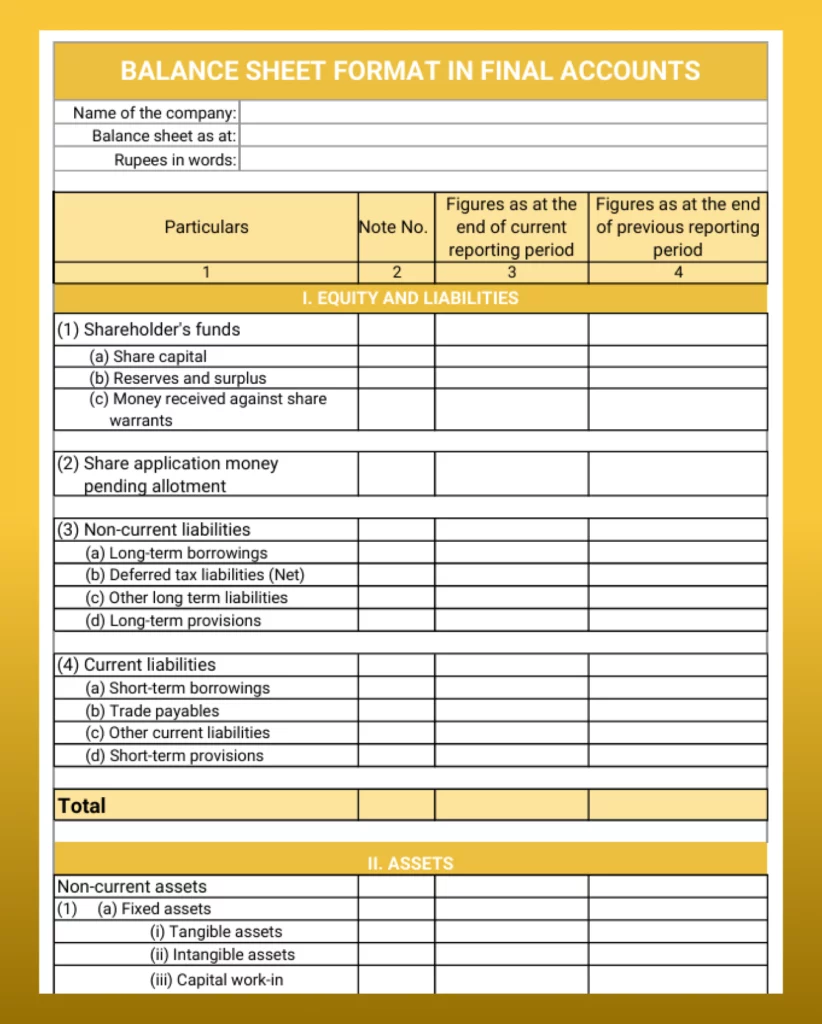
Word-3
Balance Sheet Format in Final Accounts in Excel
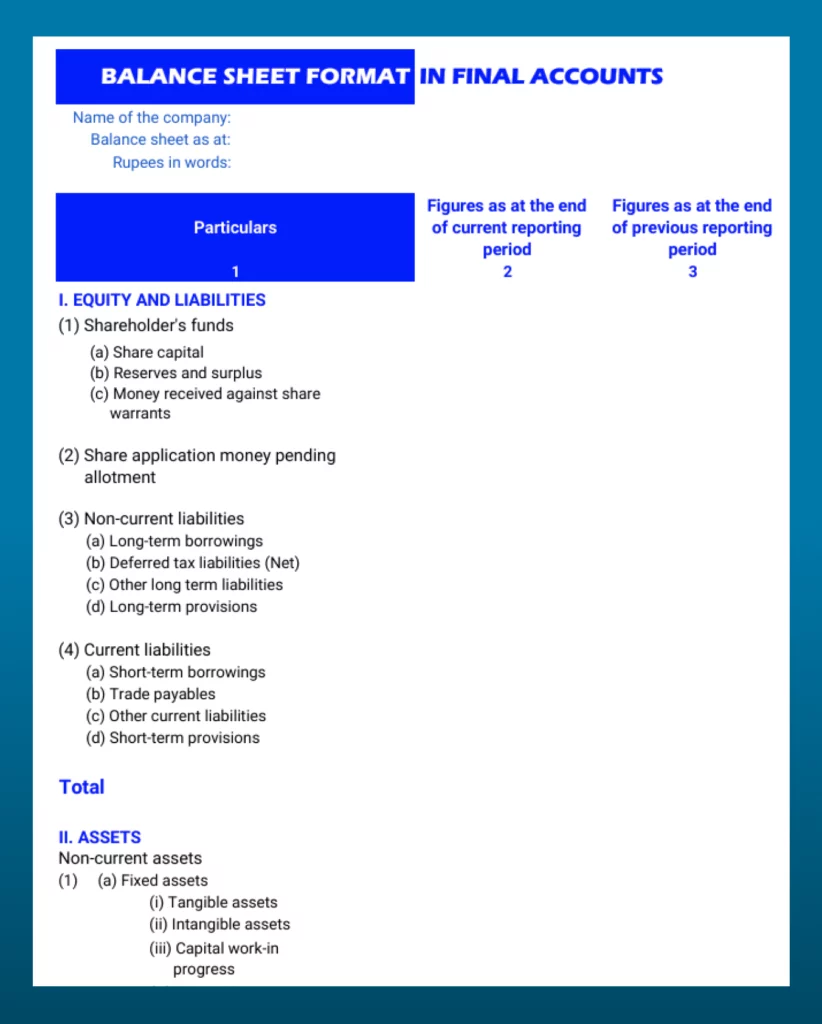
Excel-1
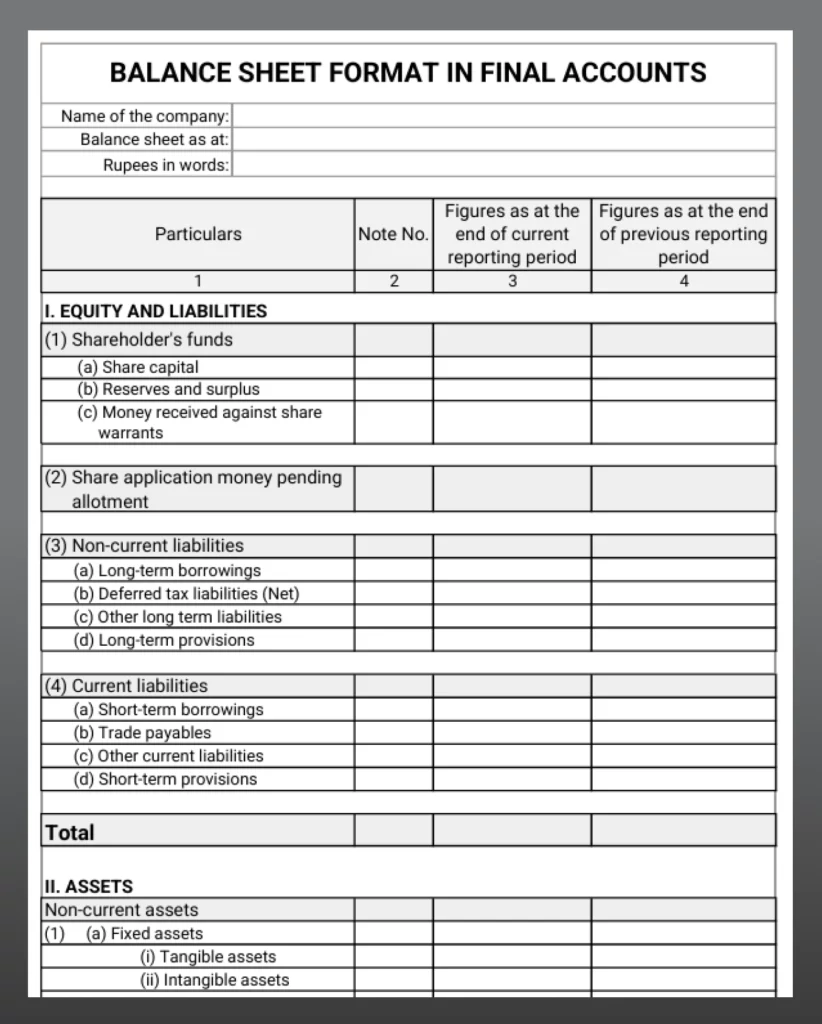
Excel-2
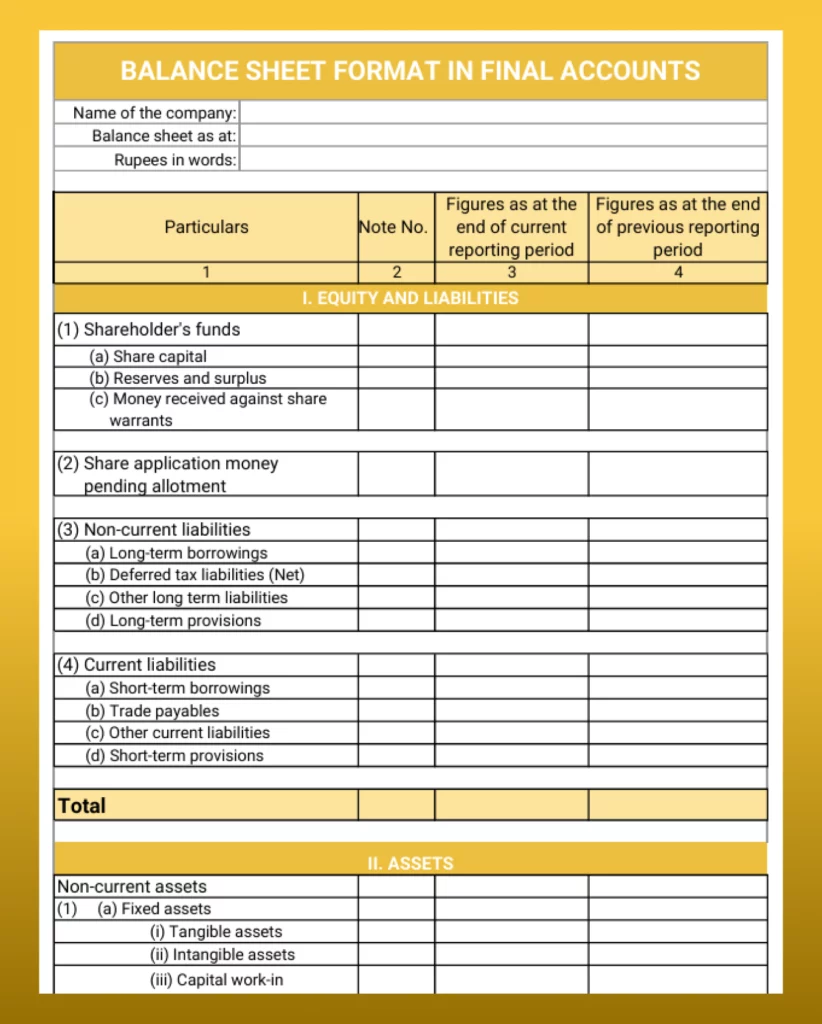
Excel-3
Balance Sheet Format in Final Accounts in PDF
PDF-1
PDF-2
PDF-3
Create Balance Sheets Faster With Vyapar.
Components of Balance Sheet in Final Accounts

Capital
This is the owner’s total money in the business, including the profit earned during the year.

Liabilities
These are the amounts the business needs to pay, like loans, suppliers’ payments, and unpaid expenses.

Assets
These are the things the business owns, such as cash, stock, machines, furniture, and money that customers still have to pay.
Difference Between Balance Sheet Format
in Final Accounts and Balance Sheet Format
Why is the Balance Sheet Included in Final Accounts
- Shows the Final Position of the Business
After calculating profit or loss, the balance sheet shows what the business owns and what it needs to pay at the end of the year. - Adds Profit to Capital
The final profit is added to the owner’s capital, and this updated amount is shown in the balance sheet. - Completes the Final Accounts
The balance sheet is the last step in preparing final accounts after the Trading and Profit & Loss Account. - Includes All Year-End Updates
It shows all final adjustments like closing stock and pending expenses, in one place. - Confirms Everything is Correct
If total assets and total liabilities match, it means the final accounts are properly prepared.
Significance of Balance Sheet in Final Accounts
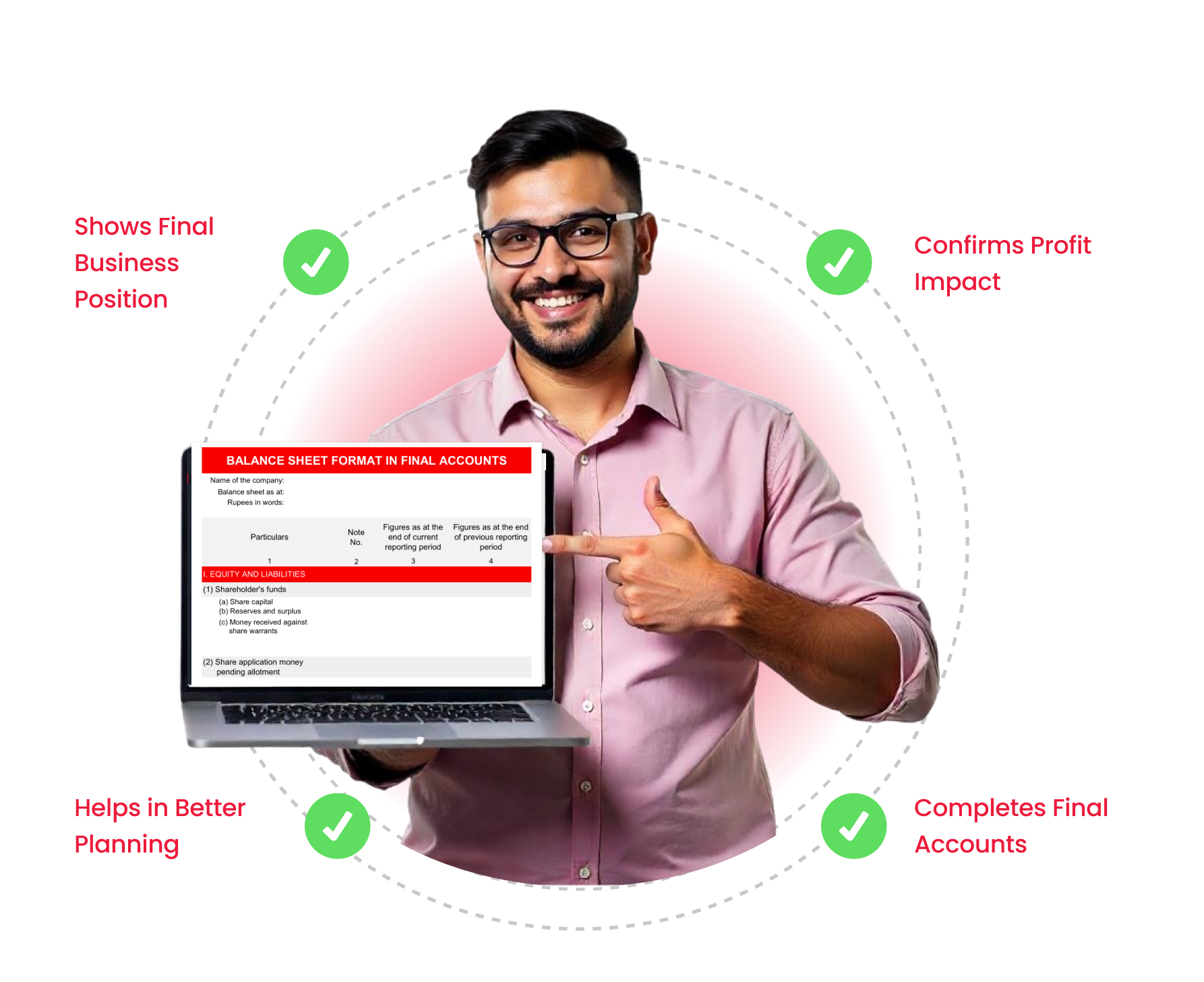
- Shows Final Business Position
It gives a clear picture of the business’s financial condition at the end of the year. - Confirms Profit Impact
It shows how the year’s profit has increased the owner’s capital. - Helps in Better Planning
Owners can understand their financial strength and plan future decisions wisely. - Completes Final Accounts
It is the final step in preparing yearly accounts after calculating profit or loss.
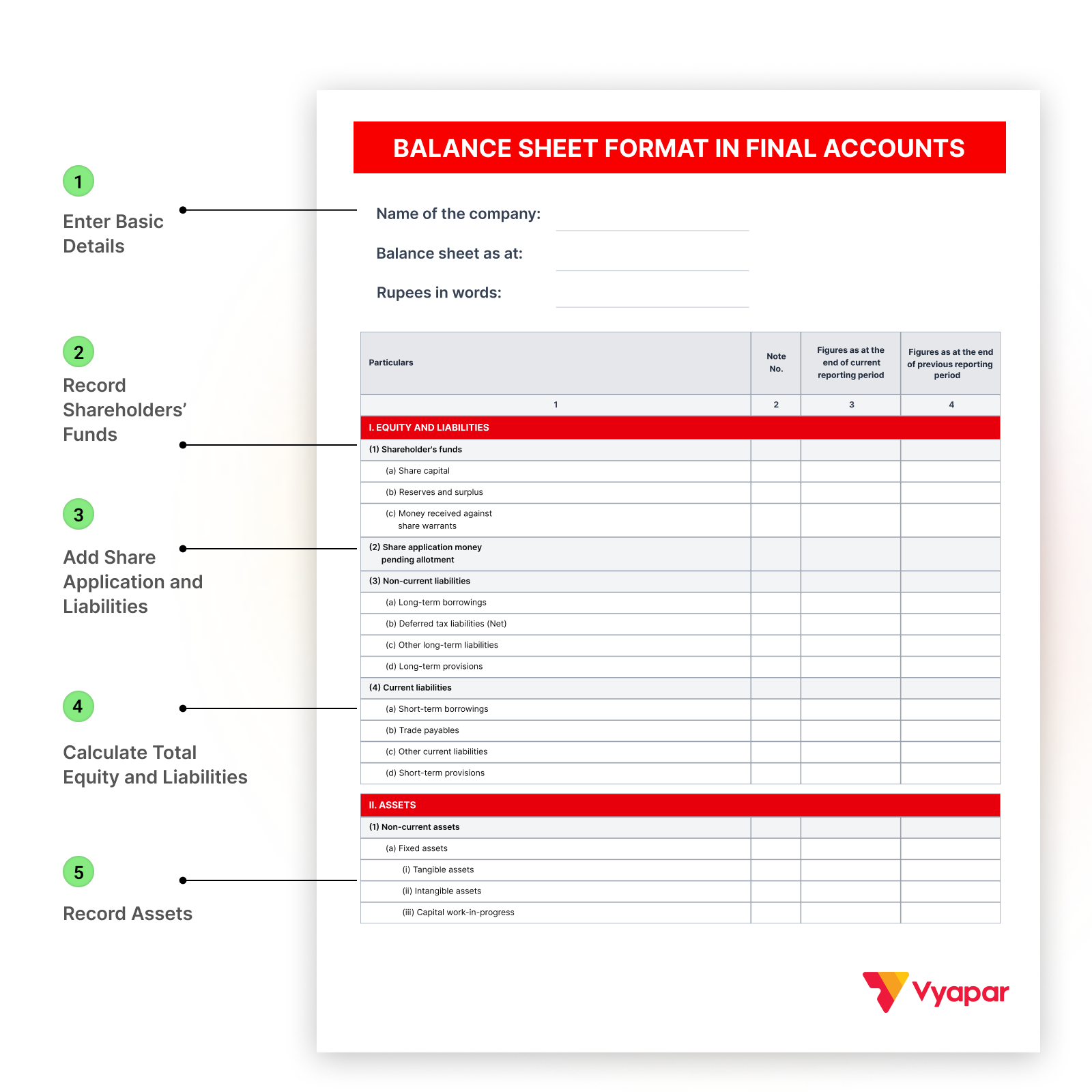
How to Prepare a Balance Sheet Format in Final Accounts
Step 1: Enter Basic Details
Write the company name, balance sheet date, and reporting period at the top.
Step 2: Record Shareholders’ Funds
Add share capital and reserves & surplus under Equity and Liabilities.
Step 3: Add Share Application and Liabilities
Enter share application money, then non-current liabilities, and then current liabilities.
Step 4: Calculate Total Equity and Liabilities
Add all values to get the total.
Step 5: Record Assets
First, add non-current assets, then current assets like inventory, receivables, and cash.
Take Control of Your Accounting With Vyapar
Prepare Balance Sheet Format in Final Accounts the Smart
Way with Vyapar
Real-Time Inventory Management
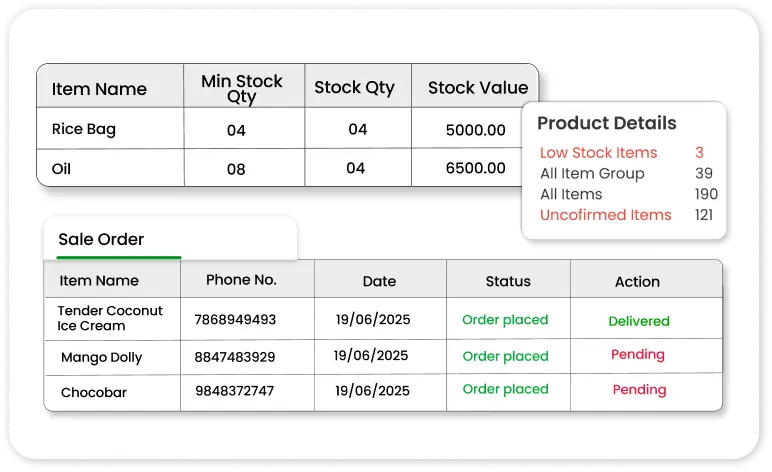
Real-Time Inventory Management
Track stock levels, item values, and closing stock automatically. Inventory updates are directly reflected in your final accounts.
GST Billing and Compliance
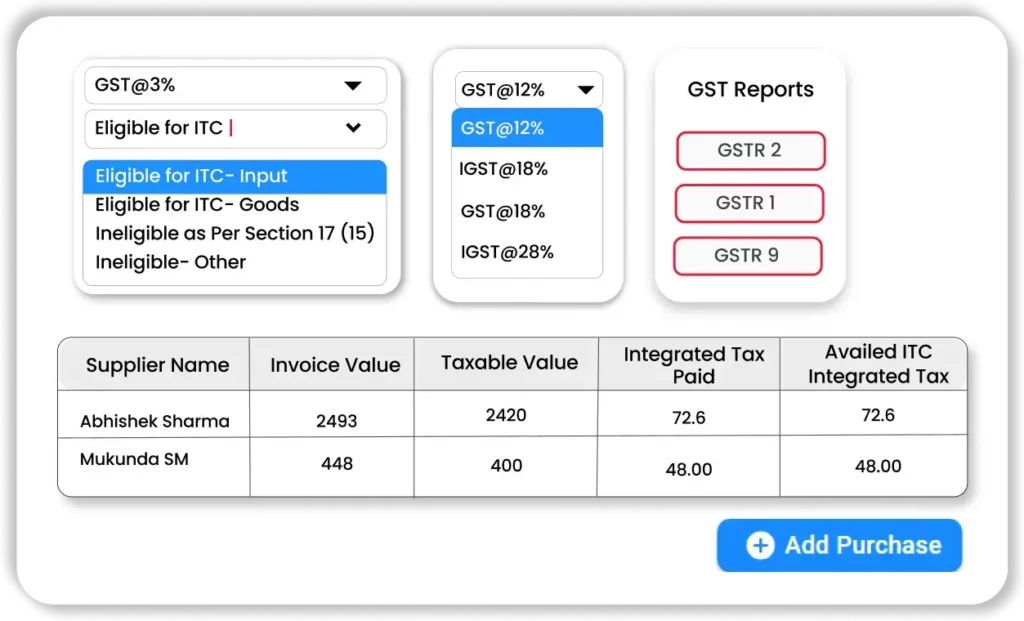
GST Billing and Compliance
Create GST invoices, track input/output GST, and generate GST-ready reports without manual calculations.
Automatic Asset and Liability Updates
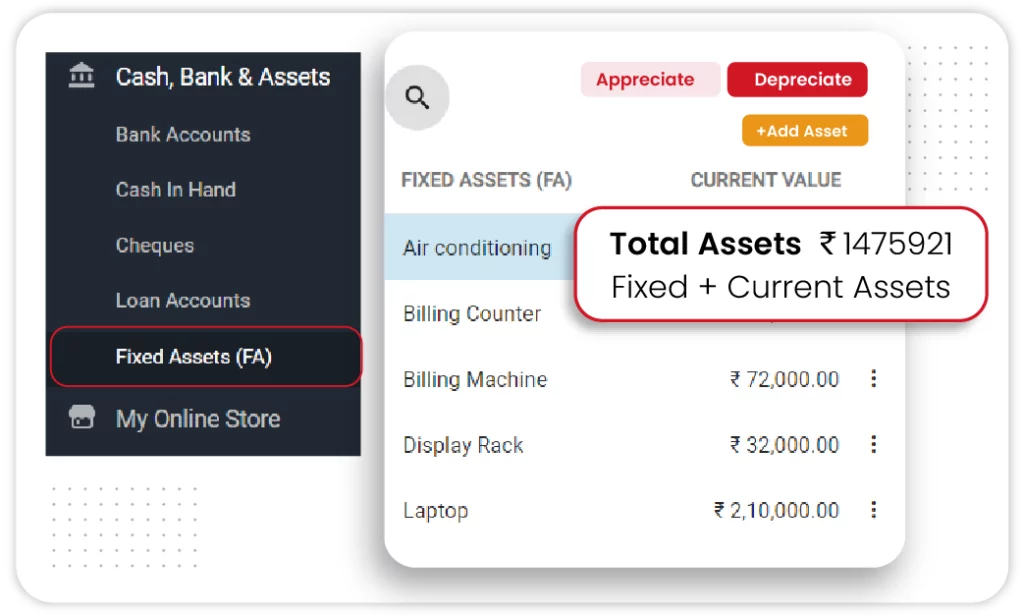
Automatic Asset and Liability Updates
All assets, liabilities, receivables, and payables update in real time as you record transactions.
Easy Year-End Adjustments

Easy Year-End Adjustments
Closing stock and other final updates are automatically reflected in the Balance Sheet Format in Final Accounts.
Works for Small Businesses

Works for Small Businesses
Simple interface, mobile & desktop access, and complete business accounting in one app.

Download Vyapar and Automate Your Balance Sheet
Frequently Asked Questions (FAQ’s)
No. Final accounts include the trading account, profit & loss account, and balance sheet. The balance sheet is one part.
In the Balance Sheet Format in Final Accounts, Total Assets must always be equal to Total Liabilities.
The Balance Sheet Format in Final Accounts helps businesses understand their final financial position at the end of the year and shows whether the business is financially stable.
Yes. You can download the Balance Sheet Format in Final Accounts in Excel, PDF & Word or generate it instantly using Vyapar.
Vyapar automatically prepares the balance sheet once you record your daily transactions.
Did not find what you were looking for?


Billing software in India for small businesses



