
Stationery Bill Format in Word, PDF, Excel
Stationery bill format come in handy to stationery businesses for simplifying the process of making bills. Customers can choose from a number of options ranging from credit cards and debit cards to NEFT and cash.
- ⚡️ Create professional bills with Vyapar in 30 seconds
- ⚡ Share bills automatically on WhatsApp and SMS
- ⚡️ Connect with your parties through reminders, greetings, business cards and more

Download Free Ready-to-Use Stationery Bill Format
Download a professional free stationary bill format, and customise it according to your requirements at zero cost.
Customize Invoice

Format-1
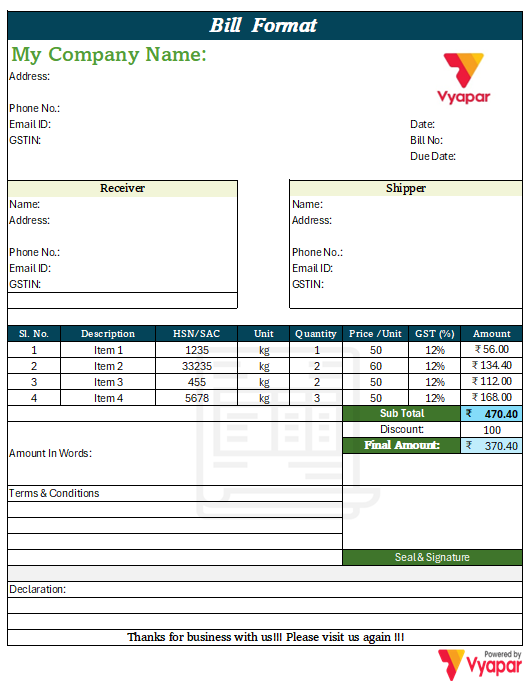
Format-2

Format-3
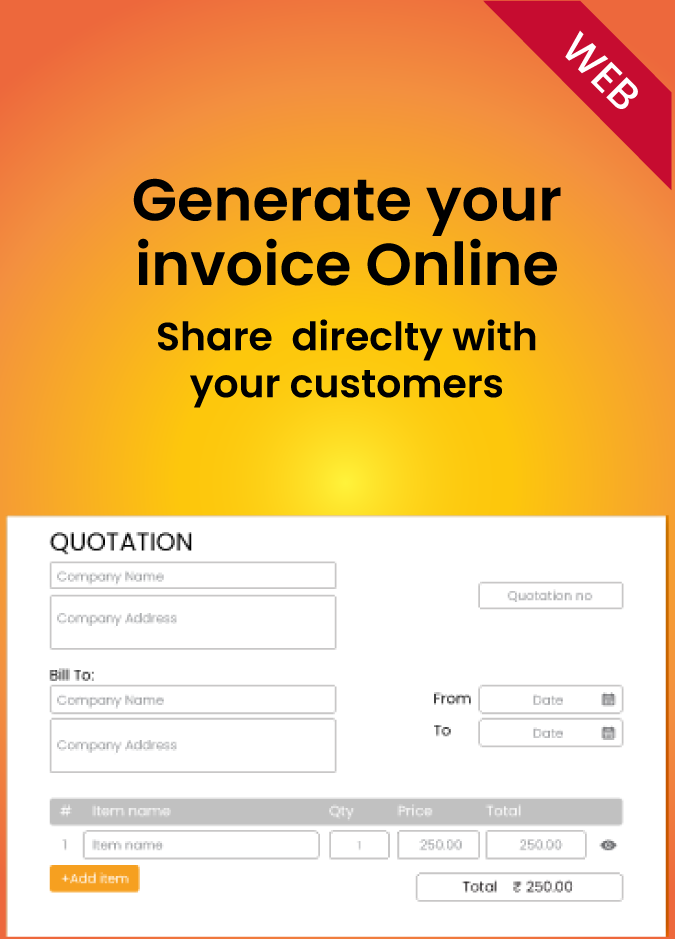
Generate Bill Online
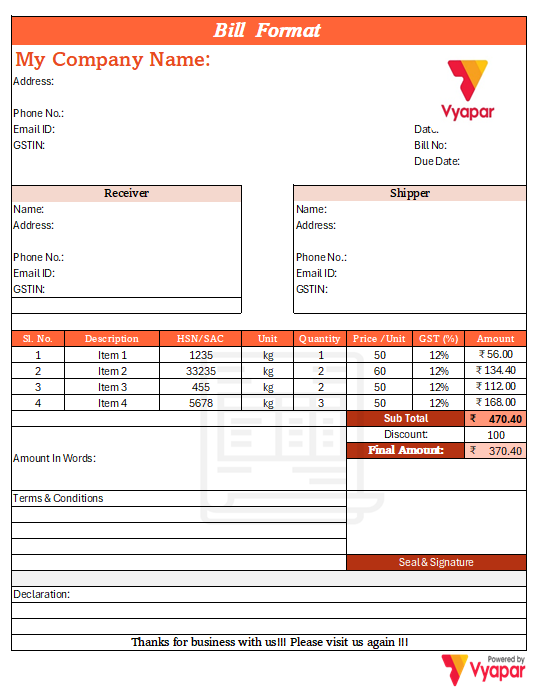
Format-4
Access Premium Templates!
Bill Smarter & Manage Inventory
Benefits of Stationery Bill Format
Where the world is running fast in making everything digital, Stationery Bill Book is the need of the hour for your business. It helps to minimise your efforts on creating a bill from scratch, keeps track of bills generated for your customers, and saves on manpower. Apart from this, it comes with a variety of features, such as:
Quick Bill Generation:
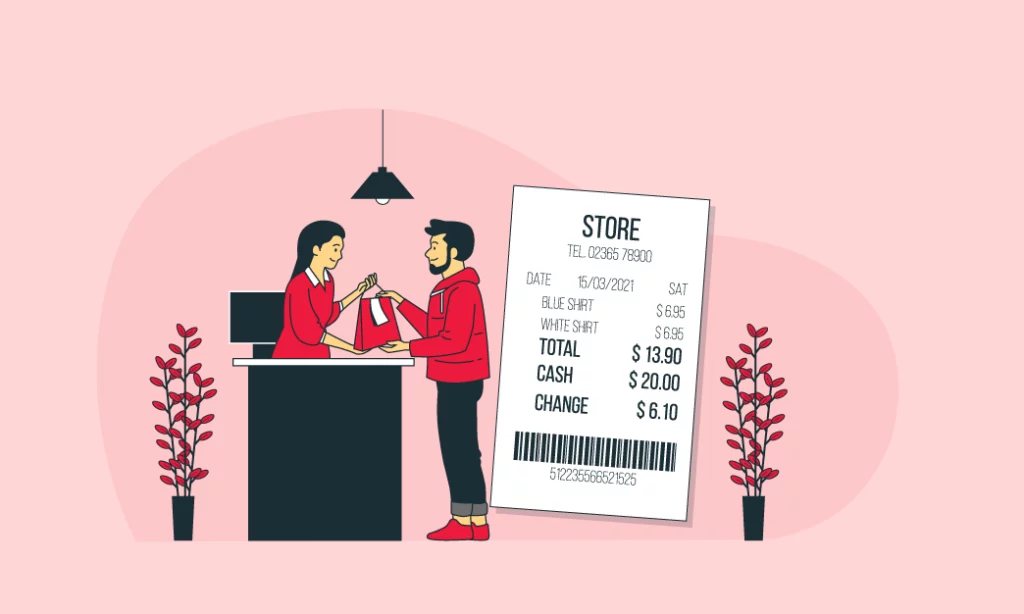
Manually entering 20 items will eat a lot of your time. Thanks to the Stationery Shop Bill Format. It allows you to create GST and non-GST invoices in seconds using a barcode scanner. So that you can focus on your customers and receive payments timely.
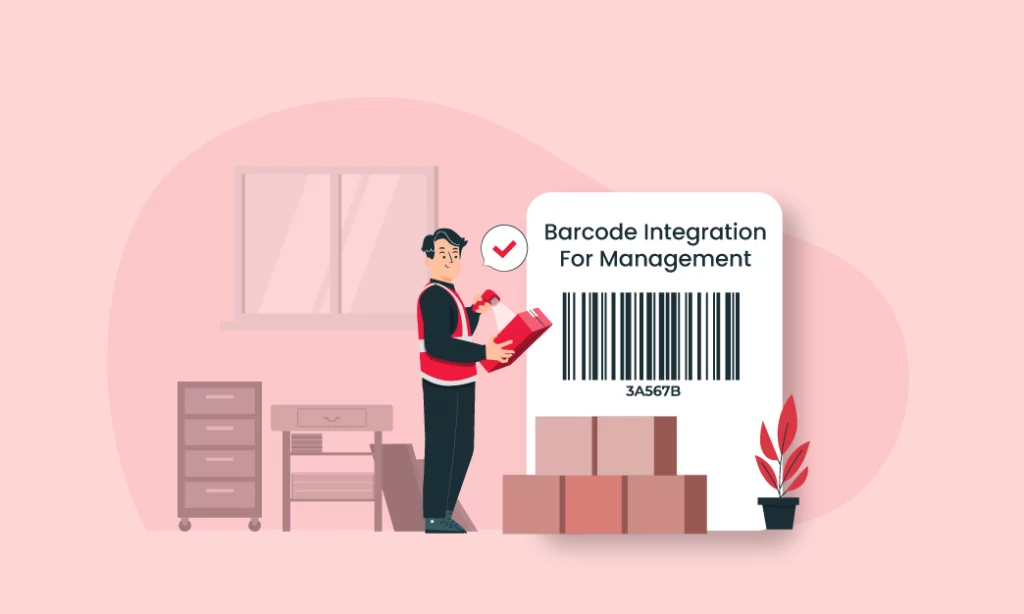
Barcode Management:
Stationery shops are usually equipped with a lot of items, and it is really difficult to keep track of all of them. This is where the Stationery Bill format will come in handy to help you with easy barcode billing management.
Faster Calculations:
No one likes to add up 20+ numbers, especially when your customers are at stake. Not anymore, Stationery Bill Format uses automatic GST and tax calculation to perform all the math itself and help save your time.

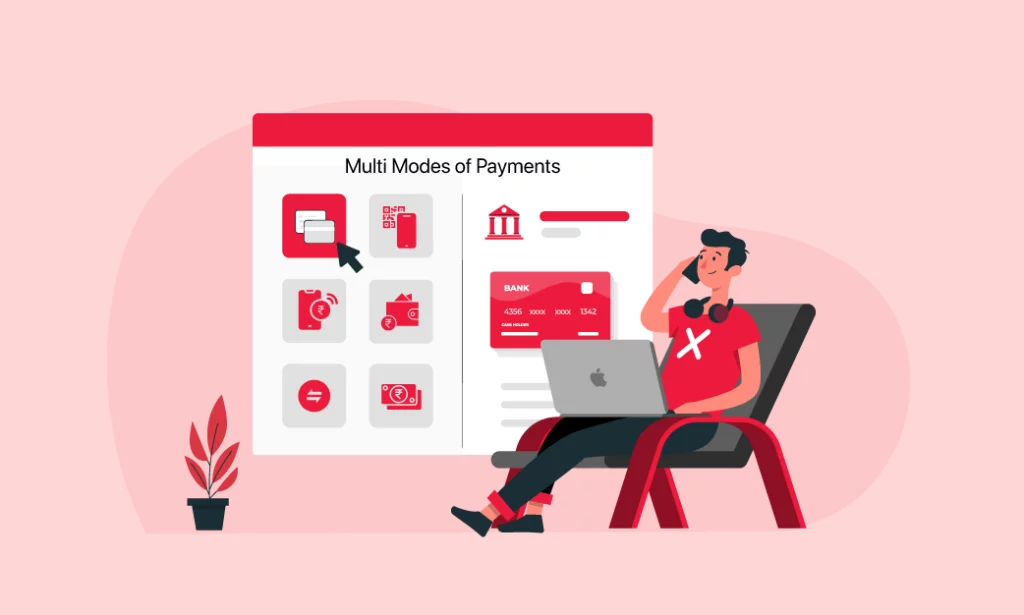
Multiple Payment Options:
Customers can choose from a number of options, ranging from credit cards and debit cards to NEFT and cash. Alternatively, you can also print the QR code on the invoice to receive quick payments through UPI!
Choose the Best Stationery Bill Format in Word, PDF, Excel
There could be an instance where some stationery shop owners might look for a Dukan bill format in MS Excel, MS Word or PDF. Vyapar has always focused on providing the best to business owners, as they host numerous templates in each format.

Excel
Stationery Shops can expect a lot of customers in the peak season, where customers would buy a number of items from the shop. Thanks to the stationery bill format in MS Excel, it is known for its tabular format and comes with a wide range of formulas for easy calculations.

Word
Stationery bill format in Word is particularly helpful for stationery businesses that have more than one shop. The stationery bill format in word allow you to shop bills in Word so you can access them anywhere. This format has all the functionalities of MS Word, with the plus point that you can generate bills even if you are in a different state.
The stationery bill format in PDF is the choice of a large number of stationery shops. Additionally, you can also convert PDFs into different formats with a single click. You just need to hover over the website, select the template, and download the PDF Bill Book.
Features of Vyapar App for the Stationery Business
Vyapar Stationery Software has a range of features to increase the productivity of your business. A few of them are:
1. Effortless Billing & Invoicing:
Stationery store business owners deal with numerous transactions on a daily basis. Vyapar app eliminates the need for manual billing by offering a pre-built professional stationery shop bill format specifically designed for stationery businesses. These templates are customizable as per your store’s needs, ensuring consistent branding for your Dukan.
Using Vyapar invoicing software, you can quickly create GST and non-GST invoices for each sale, eliminating human errors and streamlining your overall billing process. You can also share invoices instantly with your customers online and receive the due payment on time.
2. Generate Valuable Sales Reports:
Understanding your sales data is important for making informed business decisions in a stationery store. Vyapar provides detailed business reports that categorise your sales data as per product, customer, or date range.
These reports are helpful to identify the most sold items, track inventory levels, and monitor the sales trend. This information can be further used to plan your product selection, adjust pricing strategies, and manage stock effectively, ultimately boosting the overall profitability.
3. Simplify Your Stationery Operations:
Vyapar goes beyond just stationery bill format creation. It’s a comprehensive business management tool that is designed to simplify daily transactions for stationery shop owners.
Vyapar helps to track stock levels, set low-stock alerts, and generate purchase orders, sales orders and much more automatically.
4. Bill Customers Anywhere, Anytime:
Vyapar offers multi-location billing, allowing you to generate bills from anywhere.
This flexibility ensures you can monitor as well as create transactions from anywhere, improving customer service. Also, if you are an owner of different branches than with vyapar you can also manage branch-wise transactions from any location.
By utilising these features, stationery businesses can experience significant improvements in efficiency, organisation, and profitability. Vyapar is a valuable tool for managing your stationery shop and taking it to the next level.
Everything You Need To Know About Stationery Bill Format
What is a Stationery Shop Bill Book Format?
Stationery Bill format is made specifically for businesses that deal in Stationery Shop to help them generate bills easily. It helps in providing a professional touch to your business, saves your time, helps in cost reduction, and automates other business procedures.
Does the Stationery Shop bill format allow creating bills through mobile?
In short, Yes. Vyapar allows you to create bills on the go by using their mobile application. So even if you are miles apart, you can easily access or send bills to your customers on their Email/WhatsApp/SMS.
How would customers know about terms & conditions?
It is important for customers to know about terms and conditions. This is why Vyapar bill book formats has a dedicated section so that Terms and conditions are mentioned on each bill of your Bill Book. You can also customize the bill, edit the details, or add late payment procedures to your bill book.
Are you a Business Owner?
Take your business to the next level with Vyapar!
Try our Android App (FREE for lifetime)
Frequently Asked Questions
The Stationery Bill format is free to use. Simply download and start generating bills for your generates. You can also enjoy additional features by paying a small subscription fee.
Yes, you can access any stationery Bill format for free.
The Stationery Shop Bill allows you to change the details in no time. They are fully customizable where you can not only change the billing address, but also contact details, terms and conditions, or any other information on the bill.




